 RichTextBox
Store editor uploads in Amazon S3 or Azure Blob from ASP.NET Core
Web servers get replaced, and a second server cannot see the first one's disk. For that reason, many ASP.NET Core applications keep uploads in Amazon S3, Azure Blob Storage or Cloudinary. RichTextBox keeps storage behind one interface, so moving there does not change the editor or the checks.
The interface
public interface IRichTextBoxUploadStore
{
    Task<string> SaveAsync(UploadStoreRequest request, CancellationToken cancellationToken = default);
    Task DeleteAsync(string webPath, CancellationToken cancellationToken = default);
}
SaveAsync receives the stream, the folder and the final file name, and returns the address the editor should insert. That address can be a CDN URL.
Register your store
Register it after AddRichTextBox(). The default disk store is added only if nothing else is registered, so yours replaces it:
builder.Services.AddRichTextBox();
builder.Services.AddSingleton<IRichTextBoxUploadStore, S3UploadStore>();
The upload providers page has complete samples for S3, Azure Blob and Cloudinary to copy from.
The checks stay on your server
This is the important part. Your store runs last. The endpoint has already checked the extension, the size, the real file type and the pixel count, and it has removed GPS data from photos, before your code sees the stream. Your S3 code does not repeat any of it, and it cannot forget any of it.
Make the gallery work too
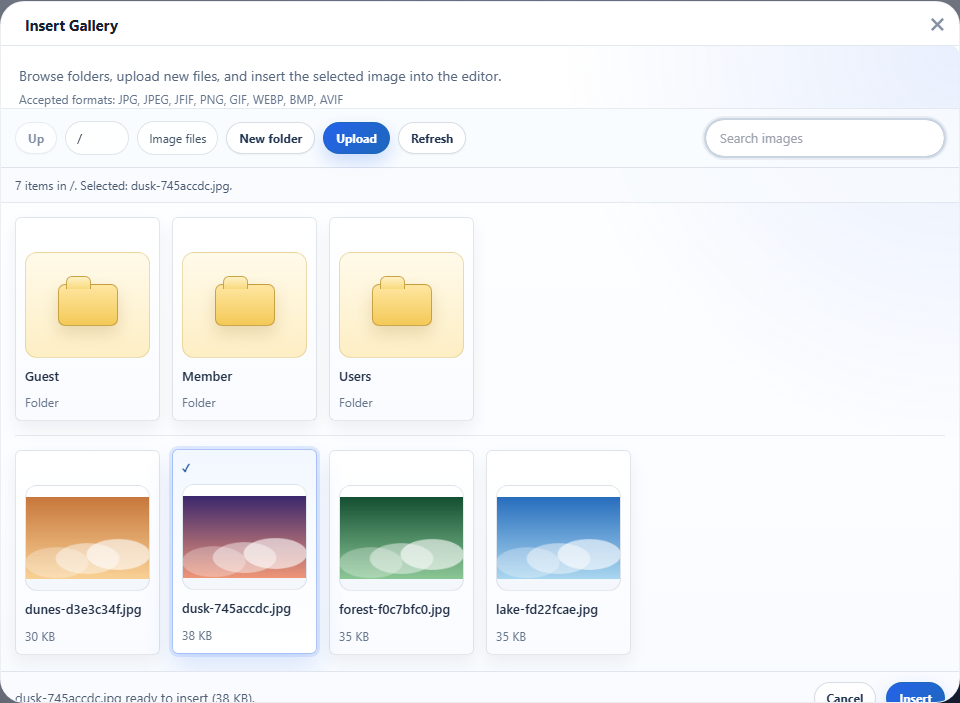
A store with only SaveAsync accepts uploads, but the gallery answers 501 Not Implemented, because it has no way to list files. To browse the bucket, implement IRichTextBoxUploadBrowser on the same class. ListAsync returns the folders and files under a prefix, and CreateFolderAsync creates one.
Serving safely from storage
- Serving from a separate domain, such as a bucket or CDN address, adds protection: even a bad file could not reach your site's cookies.
- Keep the bucket private for writes. Only your server should hold the write credentials, and they never reach the browser.
- Keep credentials in your configuration or a secret store, not in the code.
Check that it is healthy
A store can implement IRichTextBoxUploadStoreProbe so that the health endpoint can report whether the storage is reachable. Turn the check on with options.UploadStoreHealthProbeEnabled.