 RichTextBox
Align images left, center or right in an ASP.NET Core editor
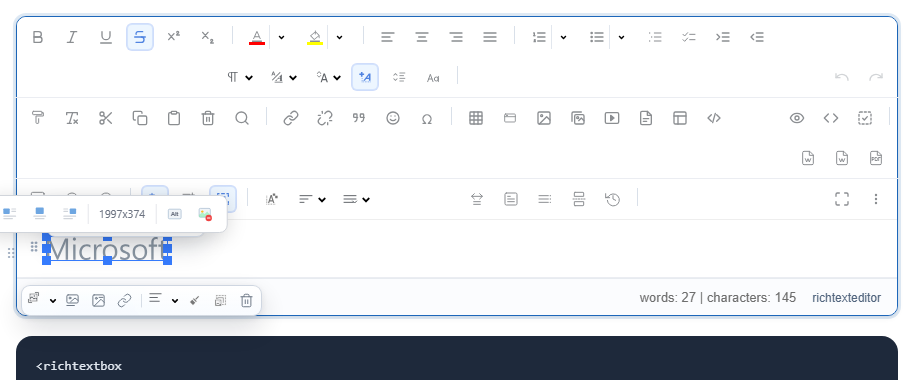
A picture rarely belongs flush left on its own line. In RichTextBox, clicking a picture opens a small toolbar next to it, with everything that applies to that picture.
What you need
Nothing beyond the editor. The floating toolbar is on by default, and show-float-image-toolbar="false" turns it off:
<richtextbox name="Body" toolbar="full" height="400px"></richtextbox>
What is on it
- Size and alignment menus
- Caption
- Alt text
- Link: add, edit, open or remove one
- Image style
- Image editor, for cropping and rotating
- Delete
Check your published page
Alignment is saved with the picture, so it travels with the document. Text wrapping around a floated picture can leave a very narrow column on a phone, so give images a sensible limit where you show content:
.article img { max-width: 100%; height: auto; }
This one rule also prevents large pictures from making the whole page scroll sideways.
Captions
A caption is better than a line of text under the picture, because it stays attached to it when the picture moves.
Keeping alignment after cleaning
If you save with [RichTextHtml], align a picture and save once to confirm your policy keeps what you need.